 Seller OS
Can't send a Fiverr custom offer? Common fixes
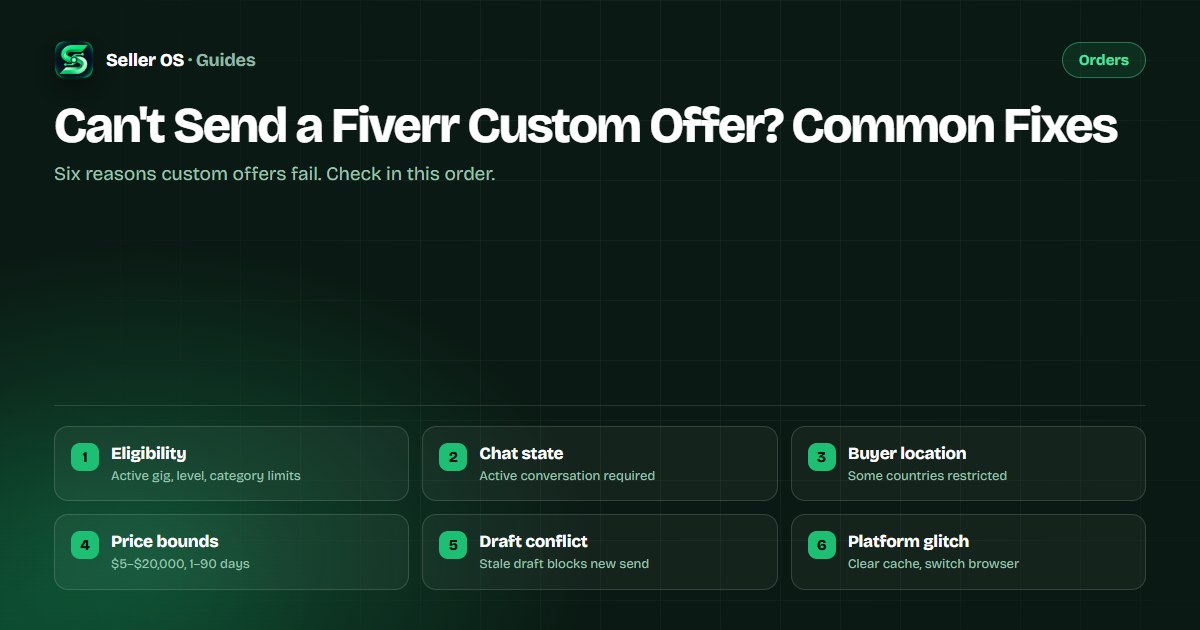
You open the custom-offer form, fill it out, hit Send, and nothing happens — or an error appears. The causes fall into six buckets: eligibility rules, conversation state, buyer location, price or delivery bounds, saved-draft conflicts, and platform glitches. Most are fixable in minutes if you check them in order.
This guide lists the failure points in diagnosis order, gives the fix for each, and explains the fallbacks (Request to Order, package upgrade) when the offer simply will not send. Fiverr's published eligibility rules define what is allowed; the fix order is practical.
Free plan available. Local-first data. Human review on every change.
1. Eligibility: active gig and account standing
Fiverr's help center states that all freelancers with an active gig can send custom offers. If your gig is Paused, Denied, Pending Approval, or Requires Modification, the custom-offer button may be disabled or the send will fail. Check the Gig Management page: the gig must show Active status. Significant edits to title, category, or pricing can trigger a review that temporarily hides the gig and blocks custom offers.
Account-level blocks also stop custom offers. An account under restriction, suspension, or ineligible-to-sell status cannot send offers. If you have an unresolved ID verification notice (14-day window), that may also disable sending. Verify your account status in Settings before troubleshooting further.
- Gig status must be Active (not Paused, Denied, Pending, Requires Modification).
- No active account restriction, suspension, or ineligible-to-sell flag.
- ID verification completed if notification was received.
- Seller Plus Premium required for Request to Order, not for custom offers.
2. Conversation state: you need an active chat
Custom offers are sent through the Inbox. You must have an active conversation with the buyer — either they messaged you first, or you replied to their order requirements. Fiverr's rule is that freelancers cannot initiate contact with new clients; clients must reach out first by placing an order or sending a message. If the buyer has never messaged you and has not placed an order, you cannot open a custom-offer composer for them.
If the conversation exists but is archived or marked as spam, the custom-offer button may not appear. Open the Inbox, search the buyer's username, and ensure the thread is active and not in the spam folder. A buyer who clicked 'Request a Quote' on your gig creates a quote request thread, not a standard chat; you respond to that with a custom offer from the quote request screen.
Confirm the buyer messaged you first or placed an order.
Open Inbox → search buyer username → thread must be active.
If thread is in spam, mark not spam and refresh.
If buyer used 'Request a Quote', reply from that screen, not the main Inbox.
3. Buyer location: sanctioned or restricted regions
Fiverr restricts transactions with certain countries and regions due to sanctions and compliance. If the buyer's account country is on the restricted list, the custom-offer send will fail with a generic error. Fiverr does not publish the full current list in the help center, but the error message usually references compliance. You cannot override this; the buyer would need to use an account from a supported region.
A common mistake sellers make is assuming the error is a bug and retrying repeatedly. Each failed attempt wastes time. If the send fails with a compliance or region message, ask the buyer to confirm their account country. If it is restricted, the order cannot proceed through Fiverr.
4. Price and delivery bounds: $5–$20,000 and 1–90 days
Fiverr's published limits for custom offers: minimum $5 USD, maximum $20,000 USD, delivery time 1 to 90 days, revisions 0 to 20 or Unlimited. If you enter $3, $25,000, 0 days, or 120 days, the form will not submit. The validation is client-side but can be missed if you paste values. Milestone custom offers allow up to five steps, each paid on completion; subscription custom offers allow any interval (daily, weekly, biweekly, monthly) up to six months total.
Illustrative example: You want to send a $200 custom offer with 120-day delivery for a long-term project. The form rejects it because 120 exceeds the 90-day maximum. Split into two custom offers (90 days + 30 days) or use a milestone custom offer with steps that fit the 90-day window per step.
| Field | Minimum | Maximum | Common error |
|---|---|---|---|
| Amount | $5 | $20,000 | Below $5 or above $20k |
| Delivery days | 1 | 90 | 0 or 120 days |
| Revisions | 0 | 20 or Unlimited | Negative or 21+ |
| Milestone steps | 1 | 5 | 6 or more steps |
5. Saved-draft conflict: a stale draft blocks the new offer
If you started a custom offer for this buyer earlier, saved it as a draft, and never sent or discarded it, the composer may try to resume that draft instead of sending your new entry. The stale draft can have outdated values that fail validation, or the Send button may be bound to the draft object. Open the composer, click Discard Draft (or the trash icon), refresh the page, then rebuild the offer from scratch.
This also applies if you have multiple browser tabs open with the same conversation. One tab's draft can interfere with another's send. Close all extra tabs, keep one conversation tab, discard any draft, and try again.
- Open custom-offer composer for the buyer.
- Click Discard Draft / trash icon if visible.
- Refresh the page (F5 or Ctrl+R).
- Rebuild the offer from scratch and send.
6. Platform glitch: cache, browser, or Fiverr-side issue
If eligibility, chat state, location, bounds, and drafts are all clear and the send still fails, it is likely a transient platform issue. Clear your browser cache and cookies for fiverr.com, or open the Inbox in an incognito/private window. Try a different browser (Firefox if you use Chrome, or vice versa). Disable extensions that modify page content (ad blockers, script managers). If it works in incognito, the culprit is local.
If incognito and a second browser both fail, check the Fiverr status page or the community forum for ongoing incidents. The help center article 'Something went wrong' errors often resolve within hours. While waiting, use the fallback paths below so the buyer is not blocked.
Open Inbox in incognito/private window → retry send.
Try a different browser (Firefox, Safari, Edge).
Disable content-modifying extensions.
Check community.fiverr.com for 'custom offer' incident threads.
If all fail, move to fallbacks below.
Fallbacks when the offer will not send
If the custom offer simply cannot be sent and the buyer needs to proceed, use one of two fallbacks. First, if you have Seller Plus Premium, enable Request to Order on the gig. The buyer submits a request, you approve it by sending a custom offer from the request screen — this path sometimes works when the direct Inbox composer fails. Second, ask the buyer to order the correct package directly. If the price exceeds the package maximum, have them order the highest package and send a custom-offer top-up for the difference (which may send even when the full offer fails).
If neither fallback works, the issue is likely account-level or region-level. Escalate via the help center contact flow with the error screenshot, buyer username, and the steps you tried. Do not ask the buyer to pay outside Fiverr — that violates Terms of Service and risks account suspension.
Where Seller OS helps
Seller OS inbox assistant drafts the custom-offer message with the correct fields pre-filled from your gig packages, reducing bound errors. The gig optimizer flags when a gig's package maximums are too low for common custom-offer amounts, so you can raise them proactively. Local client records store the buyer's location and any compliance flags you noted, so you do not waste time retrying a blocked region.
It cannot bypass Fiverr's eligibility checks, cannot override region restrictions, cannot fix a platform-side outage, and cannot send the offer for you. Every Send click remains yours.

Can't Send a Fiverr Custom Offer? Common Fixes questions
Why does the custom offer button not appear for a buyer who messaged me?
The conversation may be archived, marked as spam, or the buyer used 'Request a Quote' which uses a different reply screen. Check Inbox search, spam folder, and the quote-request thread.
Can I send a custom offer to a buyer who has never contacted me?
No. Fiverr states freelancers cannot initiate contact with new clients. The buyer must message you first or place an order before a custom offer can be sent. An active conversation thread is required.
What are the exact price and delivery limits for a custom offer?
Fiverr publishes: amount $5–$20,000 USD, delivery 1–90 days, revisions 0–20 or Unlimited. Milestone offers allow up to 5 steps. Subscription offers allow daily, weekly, biweekly, or monthly intervals up to 6 months.
The send button spins forever. Is it a draft issue?
Often yes. Discard any saved draft in the composer, refresh the page, and rebuild. Also close duplicate tabs for the same conversation. If it persists, try incognito mode or a different browser.
Check the six buckets, then fall back
Eligibility, chat state, location, bounds, drafts, glitch — then Request to Order or package upgrade.