 Seller OS
Fiverr gig video: specs and a 30-second script
A gig video lets buyers hear you, see your process, and judge fit faster than any paragraph. It also gets rejected or ignored when it misses the platform specs, opens with a logo animation, or talks about you for twenty seconds before showing the work.
This guide covers the specs as Fiverr publishes them, what the first seconds must show, a 20 to 30 second script structure you can reuse, and the human review gate to run before you upload. The image and thumbnail system lives separately in the gallery guide.
Free plan available. Local-first data. Human review on every change.
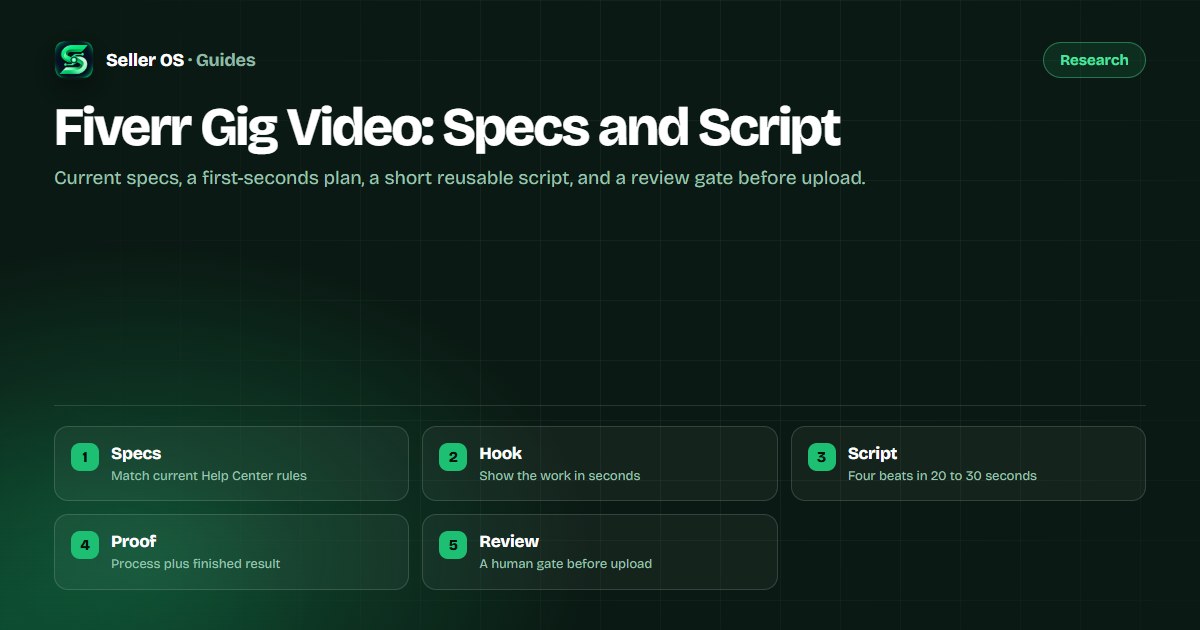
Specs as Fiverr publishes them
Fiverr publishes the current video requirements, including accepted length, file handling, and content rules, in the Help Center. Check that page before you export, because limits and review rules change and this article does not restate numbers that may move.
The mechanism stays stable even when numbers shift: upload through the gig gallery flow, keep the content to work you have the rights to show, keep speech and text clear enough to follow without headphones at full attention, and expect a review pass before the video goes live. If your file is rejected, the reason Fiverr gives points to the exact spec you missed.
- Confirm length, format, and content rules in the Help Center before export.
- Show only work and assets you have the rights to display.
- Keep one clear voice track and readable on-screen text throughout.
What the first seconds must show
Buyers decide in the first three seconds whether to keep watching, and most watch with the gallery on mute beside competing gigs. Open on the finished work, not on your name, logo, or a greeting. A designer opens on the final layout, an editor on the finished cut, a voice seller on captioned waveform plus delivery.
Put one line of on-screen text over that opening that names the buyer outcome, such as product pages that read clean on mobile. The buyer should understand what you sell before you say a word, because many never turn the sound on.
A 20 to 30 second script structure
Four beats fit comfortably in under thirty seconds at a natural pace, roughly two short sentences per beat. Write the script down, read it aloud with a timer, and cut until it fits without rushing.
Hook, 0 to 5 seconds
Show the finished result plus one outcome line on screen.
Proof, 5 to 15 seconds
Show brief process: timeline, drafts, or before and after.
Offer, 15 to 25 seconds
State who it is for, what is included, and turnaround in plain words.
Ask, 25 to 30 seconds
Invite the buyer to message with one detail or pick the matching package.
Filming and the review gate before upload
Film in daylight or one soft lamp, keep the background plain, and record in a quiet room so the voice track needs no apology. Captions carry the message for muted viewers, so burn in or upload accurate captions rather than trusting auto-generated ones.
Run this human gate before anything uploads: watch once muted, once with sound, and once on a phone at thumbnail distance. If the offer is unclear on any pass, re-edit before Fiverr reviews it, because a person on your side catches what automated checks do not.
- Muted pass: the offer and proof read from visuals and captions alone.
- Sound pass: every word is clear with no music covering the voice.
- Phone pass: text stays readable at small gallery size.
- Rights pass: every clip, track, and image is yours or licensed.
Why most gig videos underperform
The common failure is a video about the seller instead of the work: credentials first, process never, offer vague. The second failure is length without structure, where a ninety-second tour says less than a tight twenty-five seconds. The third is a mismatch with the gallery, where the video promises one style and the thumbnail and images show another.
Fix in that order. Recut the opening to finished work, compress to the four beats, then align the video with the gallery system in the images guide so the click and the watch tell one story. Conversion effects compound only when the surfaces agree.
Where Seller OS helps
Seller OS helps with the script half of this page. Draft the four-beat script from your gig promise, tighten it against your own delivery facts, and keep the version history local while you iterate.
The filming, the rights check, and the upload stay with you by design. The extension never touches your gallery or publishes anything; you review the script and press every Fiverr button yourself.
Fiverr Gig Video questions
Does every Fiverr gig need a video?
No, but a short video helps buyers judge fit faster than text alone, especially for process work like editing, design, and voice. A clear gallery can carry gigs where the deliverable photographs well. If you add video, keep it tight and proof-led rather than publishing a long introduction.
How long should a Fiverr gig video be?
Aim for twenty to thirty seconds built on four beats: finished work, brief process, plain offer, and one ask. Confirm the current maximum length in the Help Center before export, since limits can change. Shorter videos get finished more often, and finished videos convert better than tours buyers abandon.
What should I say in the first five seconds?
Say almost nothing and show the finished result with one outcome line on screen. Name who it serves and what changes, such as menus that print cleanly or intros cut to eight seconds. Credentials, tools, and backstory belong later or not at all, because buyers decide whether to keep watching almost immediately.
Why was my Fiverr gig video rejected?
Rejections usually trace to a spec or rights miss: length, format, unclear audio, unreadable text, or content you cannot show commercially. Read the reason Fiverr gives, confirm the current rules in the Help Center, fix that exact item, and re-upload. Re-export calmly rather than re-uploading the same file unchanged.
Show the work in the first seconds.
Check specs, script four beats, review muted and on mobile, then upload.