 Seller OS
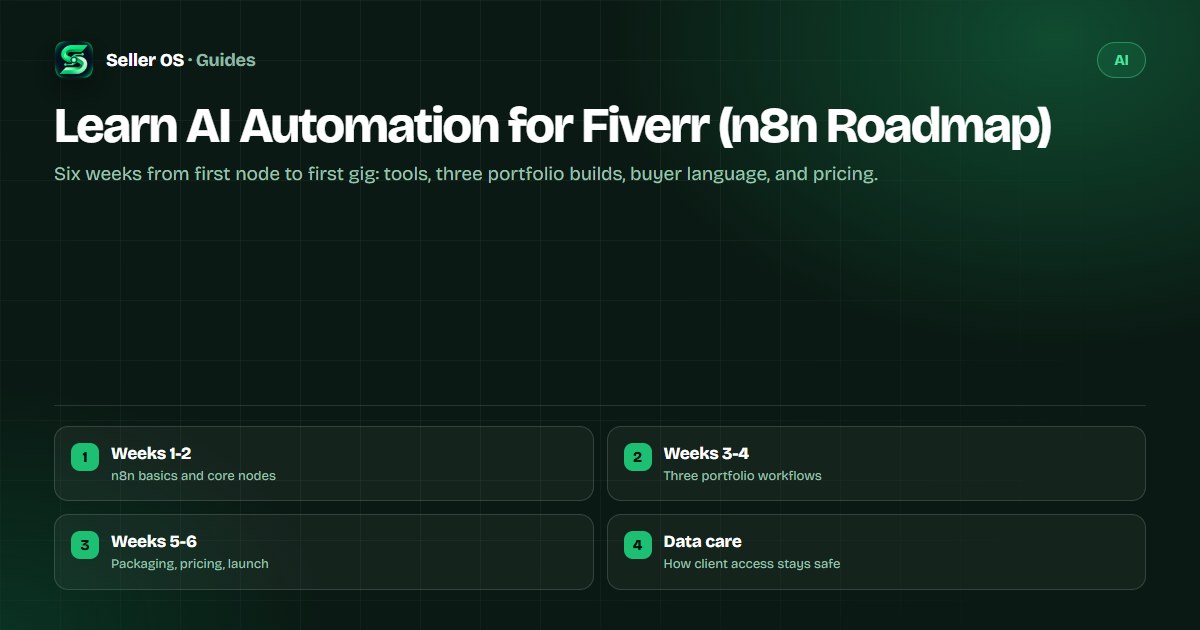
Learn AI automation for Fiverr with a six-week n8n roadmap
AI automation is one of the most requested outcomes on Fiverr right now: buyers want leads captured, invoices chased, and inboxes triaged without hiring staff. The tools are learnable in weeks, and the work pays well because it touches revenue directly. This guide gives you a six-week path from zero to a sellable gig.
You will learn n8n first, with Zapier or Make as a second string, then build three portfolio workflows, learn how buyers describe their pains, and package it all into scoped deliverables with prices. It ends with client-data care, because automation sellers get trusted with the keys to the business.
Free plan available. Local-first data. Human review on every change.
What automation buyers actually buy
Buyers rarely ask for automation in the abstract. They ask for outcomes: every new lead in the CRM within minutes, abandoned carts followed up, or support mail sorted before morning. Your gig should sell those outcomes, not the tool names.
Read briefs for tool names to learn the vocabulary: n8n, Zapier, Make, Airtable, HubSpot, and the spreadsheets buyers already live in. Mirror their words in your title and FAQ so the right briefs find you. The automation category page shows how buyers phrase these requests.
Expect to scope before you quote. Most serious buyers will describe the mess first and ask what it costs second, so offer a short paid audit as the entry point. It filters out vague briefs, gives you the access map you need for a fixed quote, and converts well because the buyer already paid once.
Weeks 1-2: tool basics
Start with n8n because it is free to self-host, visual enough to learn fast, and common in buyer briefs. Learn triggers, webhooks, HTTP requests, branching, error paths, and credential storage before anything fancy.
Add Zapier or Make at a basic level in week two. Many small buyers already pay for one of them and want help inside the tool they have. You do not need mastery, just enough to map a working n8n flow onto their stack.
Install n8n
run it locally, then connect one form, one sheet, and one email step.
Learn webhooks
receive data from a test form and log every payload.
Add branching
route new versus returning contacts down different paths.
Handle failure
add error branches and notes so flows fail loudly, not silently.
Weeks 3-4: three portfolio workflows
Build three end-to-end workflows against test accounts, each solving one buyer pain. Document each with a short video walkthrough and a one-page flow diagram, because buyers buy what they can see working.
Pick builds that generalize: lead capture to CRM, invoice-chasing reminders, and inbox triage with summaries. These three cover forms, schedules, email, and AI summarization, which is most of what paid briefs ask for.
- Lead capture: web form to CRM with instant notification and duplicate checks.
- Follow-up engine: scheduled reminders for unpaid invoices or cold leads, with stop rules.
- Inbox triage: label, summarize, and draft replies for support mail, with a human approval step.
Weeks 5-6: deliverables and pricing
Package the work the way buyers compare it: a single workflow build, a multi-system integration, and a monthly care plan. Name what is included, from the mapping session to test records to the handover video, so scope stays fenced.
Price from the value of the pain, not your hours. A flow that recovers lost leads is worth more than the afternoon it took to build. Open with an entry audit or single-flow build to earn reviews, then raise the integration tier as proof accumulates. The skills ranking puts this demand in context.
| Tier | Includes | Suits |
|---|---|---|
| Flow audit | Map of one process with fix list | Buyers testing you out |
| Single build | One workflow, tested, with handover video | First paid orders |
| Integration | Several systems plus error handling | Repeat buyers |
| Care plan | Monthly checks and small tweaks | Retainers after trust |
Client-data care for automation sellers
Automation work means holding credentials and touching customer data, so say plainly how you handle both. Use least-privilege access, separate test and live credentials, and return or revoke access at handover.
Write these habits into the gig FAQ so careful buyers can see them before they message you. Never store client passwords in chat logs or shared sheets, and confirm in writing what you will delete when the project ends. This is general security practice; Fiverr's own safety guidance lives in the Help Center.
Where Seller OS helps
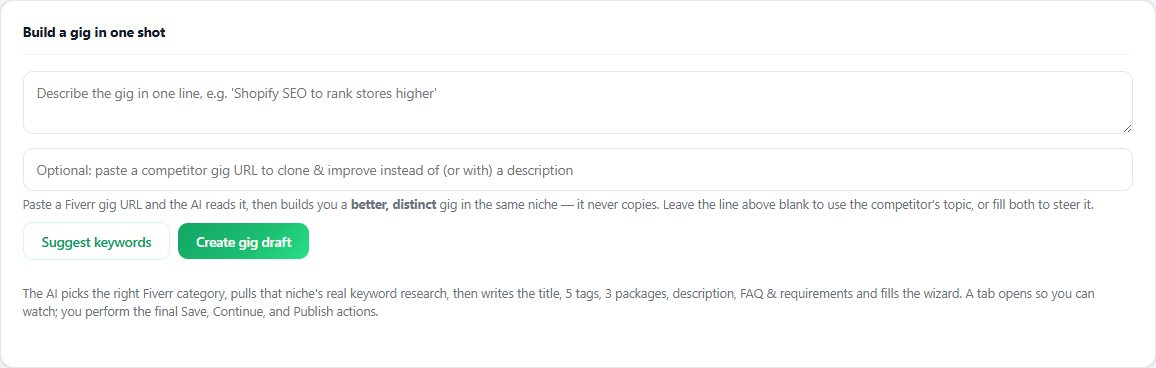
Seller OS helps once the skill exists: the gig builder turns your automation offer into a structured draft with scoped tiers and FAQ suggestions, so buyer language from real briefs ends up in the listing.
Review gates stay human throughout. Drafts live in your browser, nothing is sent or published without your click, and client credentials you collect never leave local storage except through your own actions.
Learn AI Automation for Fiverr questions
Do I need to know how to code to sell AI automation on Fiverr?
No. Tools like n8n, Zapier, and Make are visual, and most paid briefs need mapping, branching, and testing rather than code. Basic comfort with JSON and HTTP requests helps when APIs misbehave, and you can learn that on the job. What buyers pay for is a working flow with documentation, not a computer science background.
Why learn n8n instead of starting with Zapier or Make?
n8n is free to self-host, so practice costs nothing, and its concepts transfer directly to Zapier and Make. Buyer briefs name all three, so learn n8n deeply and the other two at a working level. That combination covers both cost-sensitive buyers and teams already paying for a commercial platform.
How do I win automation clients without past client work?
Build the three portfolio workflows from this roadmap against test accounts, each with a video walkthrough and a flow diagram. Offer an entry audit tier so buyers can test you cheaply, and write the gig around one outcome rather than every tool you touched. Visible working proof beats a long tool list every time.
How should I price my first automation gig?
Open with a low entry tier, such as a flow audit or single simple build, to earn first reviews. Price higher tiers from the value of the pain solved, not your hours, since a lead-recovery flow is worth far more than the afternoon it took. Raise the bottom tier after every batch of strong reviews.
Build three flows, then publish one gig.
Finish the portfolio workflows first; the gig writes itself once buyers can see working proof.