 Seller OS
Shopify gig roadmap for Fiverr sellers
Shopify work sells well on Fiverr because store owners arrive with a clear problem and a deadline: launch the store, fix the theme, move off another platform, or connect an app that refuses to cooperate. Each of those problems is a different gig with different skills, proof, and prices, and sellers who mix them into one listing confuse both the buyer and search.
This roadmap separates the four lanes of setup, theme customization, migration, and app integration, then gives you a skill plan, a way to prove ability with demo stores, and a method for scoping and pricing each deliverable. Follow it in order and you reach a publishable gig with honest proof behind it.
Free plan available. Local-first data. Human review on every change.
The four Shopify lanes, and which one to pick
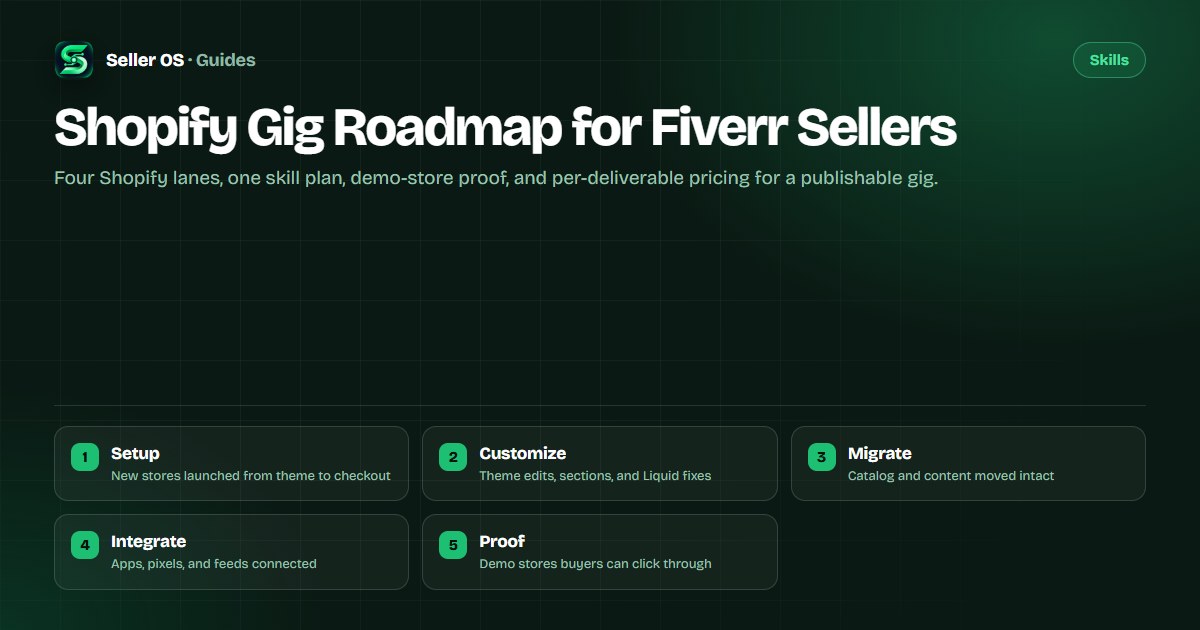
Shopify gigs on Fiverr fall into four lanes. Setup means building a new store: theme selection, homepage sections, collections, navigation, product uploads, payment and shipping settings, and a test checkout. Theme customization means changing an existing store: layout edits, new sections, color and type changes, speed cleanups, and Liquid fixes. Migration means moving a catalog, customers, content, and redirects from another platform. App integration means connecting reviews, email, upsells, pixels, or feeds so data flows correctly.
Pick one lane for your first gig, the one closest to what you can already do. A setup gig needs breadth and client communication; a customization gig needs Liquid and CSS confidence; a migration gig needs patience with spreadsheets and redirects; an integration gig needs methodical testing. Buyers search for the specific outcome, so a gig that promises one lane clearly will outperform a listing that promises all four vaguely.
| Lane | Typical deliverable | Core skill |
|---|---|---|
| Setup | Launch-ready store with products and checkout tested | Theme building and store settings |
| Customization | Edited theme sections and fixed layout issues | Liquid, CSS, and theme structure |
| Migration | Catalog, customers, and redirects moved intact | CSV handling and redirect mapping |
| Integration | App connected and verified with test data | Settings, pixels, and QA testing |
A skill plan that follows your lane
Learn in the order your lane pays you to know things. Every lane starts with the same foundation: open a free Shopify partner or trial store and click through every settings page, from products and collections to taxes, shipping, and checkout. You cannot scope work confidently until you have seen where each setting lives and what breaks when it is wrong.
Then go deep on one lane for two to three weeks before you publish anything. Build the same deliverable three times on practice stores, because repetition is what turns tutorial knowledge into fixed-price confidence. The category page for Shopify developers describes how buyers in this niche read proof, which tells you what your practice work must demonstrate.
Foundation
run a practice store end to end, list products, set shipping, and complete a test checkout yourself
Lane depth
rebuild your lane deliverable three times, timing each attempt so your delivery estimates rest on evidence
Failure drills
break a theme section, botch a CSV import, and misconfigure a pixel, then fix each one with notes
Scope rehearsal
write a one-page scope for a past practice build, listing what was included and what would cost extra
Prove it with demo stores buyers can inspect
Shopify buyers trust clickable proof more than screenshots, because a store is an experience and a screenshot hides the broken parts. Keep one or two demo stores online, each matched to your lane: a clean setup demo, a before-and-after customization pair, a migrated catalog sample, or an integration walkthrough with test data visible. Link the demo from your gig gallery and portfolio so the buyer can click before messaging you.
Never present client work or a copied theme as your own demo, and never publish a demo containing real customer data, real order history, or a live payment gateway. Build demo catalogs from invented products with obviously placeholder names. The portfolio guide covers presentation habits that carry over directly to demo stores.
- One demo per lane you sell, kept online and loading fast while the gig is active.
- A short tour video under two minutes showing the store, the admin change, and the result.
- Placeholder products and test orders only, with no real customer or payment data anywhere.
- A notes page listing what you built, which theme you used, and which apps are installed.
Scope each deliverable before you price it
Most Shopify disputes come from scopes that were never written down: the buyer imagined data entry and blog migration included, while the seller priced a theme install. Before accepting an order, reply with a short scope message listing the pages, product count, apps, and revisions included, plus anything explicitly excluded. Ask the buyer to confirm it in writing so the requirements thread holds the agreement.
Treat product counts, variant counts, and app lists as the load-bearing numbers. Ten simple products and five hundred variant-heavy ones are different jobs, and a store needing three app integrations is a different job from one needing none. Fiverr describes how orders, requirements, and reviews work in the Help Center guide for clients, and its ordering flow assumes the seller defined what the buyer is getting.
A pricing ladder for Shopify gigs
Price by deliverable, not by hour, because buyers compare fixed outcomes. A new seller might open with a compact setup package for a small catalog, a mid tier for a fuller store with blog and email connection, and a top tier for larger catalogs with migration or custom sections. Each tier up should add named items, not vaguer promises of premium quality.
Study competing gigs before you set numbers, noting what each tier includes at each price rather than copying the prices themselves. The competitor research guide shows how to read rival listings for gaps instead of cloning them. Raise prices when your queue stays full for several weeks, one tier at a time, and keep delivery times you have already proven on practice builds.
| Tier | Includes | Proof it needs |
|---|---|---|
| Starter | Theme setup, up to 20 products, test checkout | One demo store |
| Standard | Up to 100 products, blog, email app connected | Demo plus tour video |
| Advanced | Large catalog, migration or custom sections | Two demos and reviews |
Where Seller OS helps
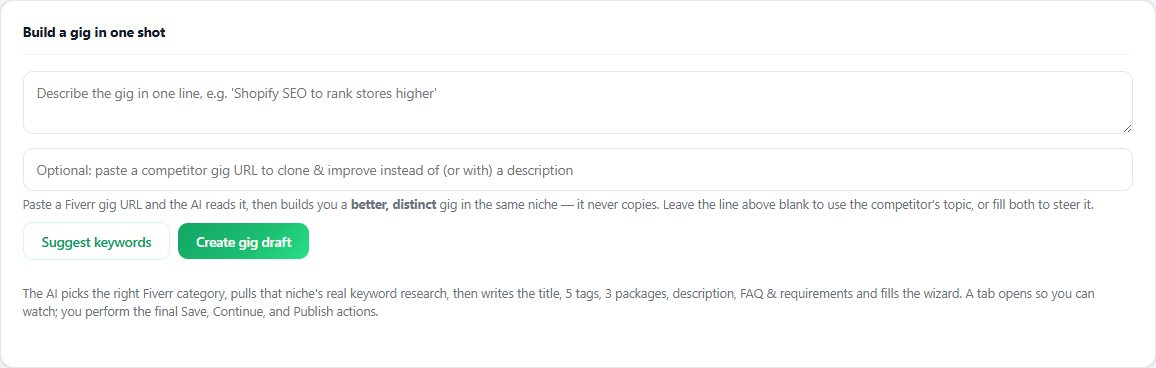
Seller OS helps on the listing side of this roadmap. The gig builder turns your Shopify lane and deliverables into a structured draft with packages, requirements questions, and FAQs, and the gig optimizer reviews a live gig against its own performance data so your title and scope edits rest on evidence rather than guesses.
The store work itself stays yours on your own machine and demo stores. The extension never touches a client store, never publishes a gig, and never messages a buyer; it drafts and fills for your review, and a person completes every Save, Continue, or Publish action. Gig notes and client records stay in Chrome local storage.
Shopify Gig Roadmap for Fiverr Sellers questions
Which Shopify service should I sell on Fiverr first?
Sell the lane closest to your current ability: setup if you know themes and settings, customization if you know Liquid and CSS, migration if you handle spreadsheets patiently, or integration if you test methodically. One clear lane beats a listing that promises everything vaguely, because buyers search for a specific outcome.
How do I prove Shopify skill with no client reviews yet?
Keep one or two demo stores online that match your lane, with placeholder products and a short tour video showing the build and the result. Buyers trust stores they can click through far more than screenshots. Link the demo from your gig gallery and portfolio so visitors find it without asking.
How should I price a Shopify gig as a new seller?
Price by deliverable with named items per tier, such as product counts, pages, and apps included. Open modestly, study rival tiers for what they include rather than copying numbers, and raise one tier at a time once your queue stays full. Keep delivery times you have already proven on practice builds.
What belongs in a Shopify order scope message?
List the page count, product and variant counts, theme, apps to connect, and revision count, plus explicit exclusions like copywriting or ongoing maintenance. Ask the buyer to confirm the scope in writing before you start. Most disputes trace back to counts and apps that were never written down.
Pick one lane and prove it.
Build the demo store first, then publish the gig the demo earns.