 Seller OS
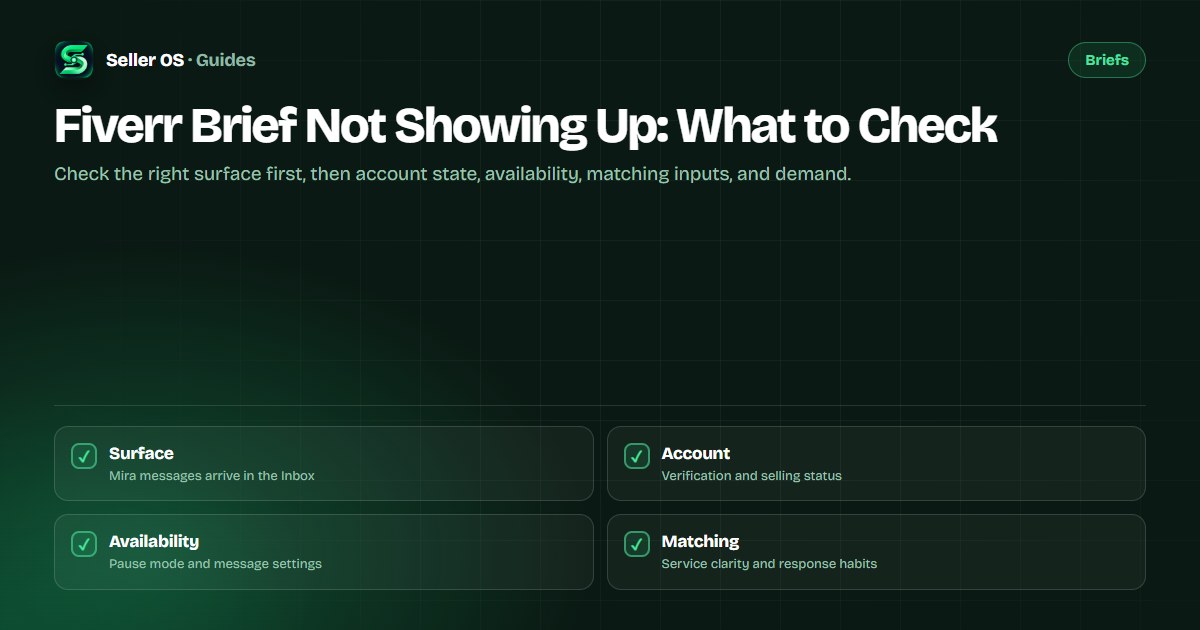
Fiverr brief not showing up: what to check
If the Briefs page looks empty, the first explanation is the simplest: Fiverr's freelancer help article states that Mira AI Headhunter fully replaced the Briefs feature, and legacy jobs remain under Your Briefs only as an archive. New opportunities arrive as Inbox conversations, not brief cards.
This guide walks a troubleshooting order: where to look, which account and availability states matter, which matching inputs are yours to fix, and the honest end of the trail, where no published fix guarantees briefs because no quota exists.
Free plan available. Local-first data. Human review on every change.
Start with the surface, not the symptom
The most likely reason a seller sees no briefs is looking in the wrong place. Fiverr's notice says Mira has fully replaced the feature and that previous jobs stay accessible from the avatar menu for the time being. The Briefs page is an archive; the Inbox is where Mira opens job conversations.
So before diagnosing anything else, log in and check the Inbox for a Mira conversation, including message requests and any filtered views. If you find one, this is not a missing-briefs problem at all, it is a respond-inside-24-hours problem, and the guide to answering covers exactly what to send back.
It is also worth confirming you are checking on the right platform. Mira is not available on the iOS or Android apps, only desktop and mobile web, so a seller who works mainly from the phone app may simply never see the surface.
Check account and eligibility states
Two account states can cut off new opportunities. A restricted account can still complete active orders but cannot receive new ones, and Fiverr's identity verification article states you must verify as soon as you receive a notification, with 14 days to complete the process before losing the ability to sell. If a verification banner is waiting, that is the fix before any matching theory.
Also confirm your gigs are active rather than paused, denied, or under review. A paused gig is not visible to clients, and a gig in review may be hidden until the review completes. Matching reads live services, so a catalog that is switched off has nothing to work with.
Check availability and message settings
Availability mode changes what can reach you. While you are out of the office, clients cannot place new orders, and if the All buyers can contact me toggle is off, non-clients cannot message you at all. Fiverr states response rate is unaffected in that mode, but opportunity volume is a different story.
That trade-off is fine for a real break and wrong as a default. If you set yourself unavailable indefinitely, you are invisible to exactly the buyer messages that turn into briefs, and your gigs are temporarily removed from search as well. Come back available, and check that you have not left a long scheduled break in place.
Check the matching inputs you control
The brief system focused on services with a success score of 7 or higher, per Fiverr's brief FAQ. If your Success Score area view shows gigs below that band, matching is less likely to select them. That is not a punishment switch; it is a condition you can work on through the areas Fiverr shows.
Service clarity matters too. A gig whose title, category, and description point at different services is harder to match than a specific one. Tighten the description around what you actually deliver, and make sure your profile states your experience, because Mira's criteria include completed projects and experience level.
Response behavior is the last input. A first reply inside 24 hours is the published rule for Mira messages, and the response rate it feeds is visible on your account. An Inbox that goes unchecked for days suppresses the very metric that keeps matching surfaces open.
A no-guarantee troubleshooting checklist
Run these checks in order and stop at the first real answer. Nothing here is a promised fix. Each step removes one possible cause, and the last one is simply patience while demand and rollout catch up.
Inbox first
search conversations for Mira; new opportunities are not on the Briefs page.
Account status
clear any verification request and confirm you can sell.
Gig states
reactivate paused gigs and resolve reviews or denials.
Availability
end out-of-office periods and review who can message you.
Matching inputs
clarify services and check score areas per gig.
Category demand
accept that quiet niches produce fewer projects to match.
Why the answer is sometimes to wait
Mira is described as rolling out gradually and is not available on the mobile apps. On the client side, projects under $500 do not get their job description sent to talent at all; the client receives a filtered list instead. Two published behaviors, one outcome: some opportunities never exist for you to receive.
There is also no quota anyone can point to. No published number says how many briefs or Mira invitations a seller should get per week, so there is no baseline to fall short of. Track what you receive over months instead of comparing one quiet week to a screenshot from a seller in a busier category.
That does not make waiting passive. Keep the surface in shape, answer everything that arrives, and treat the Inbox as the front door. If work matters more than briefs specifically, the practical alternatives are gig SEO and direct buyer messages, which are covered elsewhere in this guide set.
Mistakes sellers make while waiting
The first mistake is refreshing the Briefs page. It archives old jobs; new work never appears there. The second is rewriting every gig in one weekend out of frustration, since significant edits can trigger a review that hides the gig while you are trying to become more visible.
The third is assuming a hidden penalty. Fiverr's brief FAQ states that declining will not hurt the process of the briefs you receive, and nothing published says quiet weeks are punitive. Change only what the documentation names, messages, availability, and service clarity, and leave the rest alone.
The fourth is quitting the daily Inbox check precisely when there is nothing to answer. The habit only pays when an opportunity finally lands, and the 24-hour window does not wait for you to notice it.
Where Seller OS helps
Seller OS cannot make briefs appear, and it does not claim it can. What it does is keep the checkable parts checkable: a local record of your gigs and their states, availability-aware deadline guard reminders, and unread message alerts on Pro that catch a Mira conversation before its first-response window closes.
The Gig Performance Optimizer also reviews a live gig's copy and signals when a listing has gone quiet, so service-clarity problems surface as proposed edits instead of guesses. Everything is a draft you approve, and no data leaves your browser.

Fiverr Brief Not Showing Up questions
Why is my Fiverr Briefs page empty?
Because the feature moved. Fiverr's freelancer article states Mira AI Headhunter fully replaced Briefs, and previous jobs remain under Your Briefs from the avatar menu only as legacy access. New opportunities arrive as Mira conversations in your Inbox. An empty briefs page is now expected behavior, not evidence of a penalty or a broken account.
Could my account status stop briefs from arriving?
It can stop new opportunities. Restricted accounts cannot receive new orders, and Fiverr says an unverified account has 14 days from the notification to complete ID verification before losing the ability to sell. Paused gigs are also hidden from clients. Clear any account or verification banner before digging deeper into matching settings.
Does being unavailable stop new briefs?
It can. While you are out of the office, clients cannot place new orders, and if the All buyers can contact me toggle is off, non-clients cannot message you. Fiverr says your response rate is unaffected in that mode, but opportunities are affected. End the unavailable period when you are ready to work again.
How many briefs should I receive per month?
Fiverr publishes no number, so any specific monthly figure you read elsewhere is invented. Volume depends on your category's demand, your service clarity and Success Score areas, your account standing, and Mira's gradual rollout. Track what you actually receive over several months instead of measuring against an unpublished quota.
Check the order, not your nerves
Surface, account, availability, matching, demand: stop at the first real answer.