 Seller OS
Fiverr freelancer referral program explained
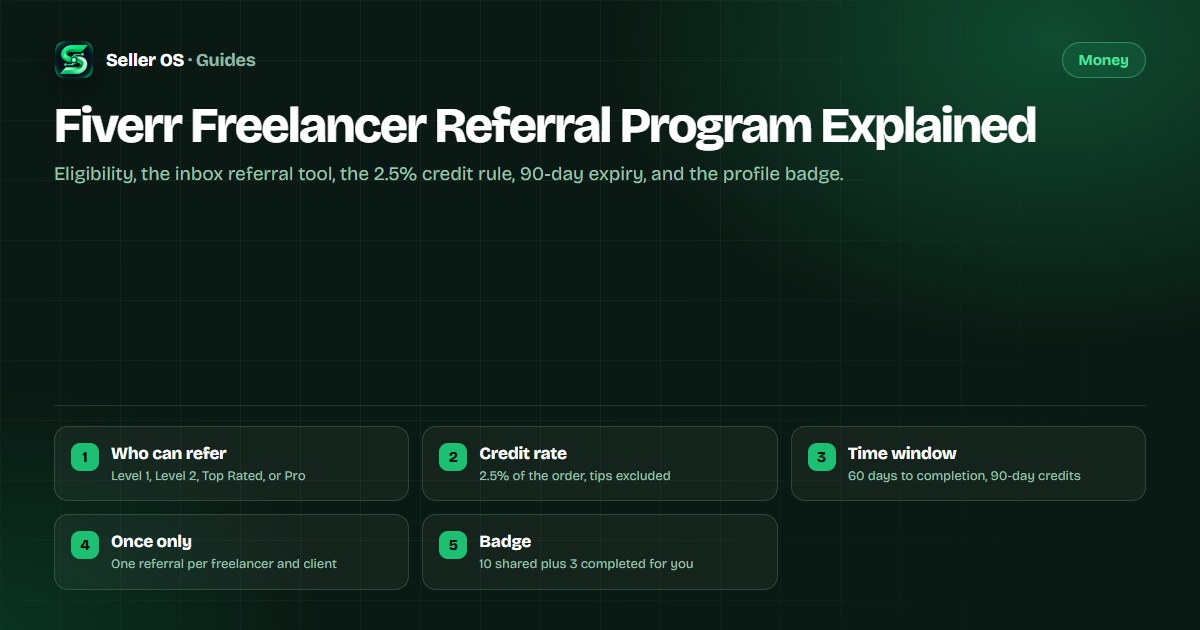
Inside an inbox conversation with a client, Fiverr lets you recommend other freelancers — up to three at a time — and when your client completes an order with one of them, you earn Fiverr Credits worth 2.5% of that order's total value, excluding tips, taxes, and fees. There is no cap on how much you earn.
This guide covers who can send a referral, the fields the tool requires, the conditions that decide whether credits land, the 90-day validity window, and the profile badge, all from Fiverr's published help article, checked October 2026.
Free plan available. Local-first data. Human review on every change.
What the freelancer referral program is
Fiverr describes the freelancer referral program as a way to recommend trusted freelancers directly to your clients in an inbox conversation, for the moments you cannot take a project, do not offer the service, or simply know the right person. The reward arrives as Fiverr Credits, not cash.
Two neighboring programs sound similar and pay differently. Fiverr's referral program invites new people to join as clients with a first-order discount, and the affiliate program pays partners cash commissions on a first-time buyer's order. Because credits never reach a bank, they also sit outside your withdrawal planning entirely.
Who can refer, and who can be referred
Fiverr's help center sets the bar on both sides of the referral, and the seller levels behind it are the same ones you already work toward: you must be a Level 1, Level 2, Top Rated, or Pro freelancer, and you lose access if you are demoted below Level 1.
The person you refer must also be Level 1 or above, or Pro. Two limits keep it tidy: you can refer a specific freelancer to a specific client only once, and each referral message can include up to three freelancers. The tool enforces both and names the reason when it refuses.
- Ineligible freelancer — the person does not meet the level requirements.
- Invalid URL — the link is not a valid Fiverr username or Gig link.
- Self-referral — you tried to refer yourself.
- Already referred — that freelancer was already referred to this client.
Sending a referral from the inbox
Open any inbox conversation and click the Refer a freelancer icon. Paste a Fiverr username without the @ symbol or a profile or Gig URL, or use Get suggestions — which offers related services, similar freelancers, and previous referrals — or Search on Fiverr to find someone new.
Every entry needs a short reason explaining why that freelancer fits the client, between 10 and 500 characters, and the message needs an intro of 10 to 2,000 characters that appears above the freelancer cards in the conversation. A profile preview appears as soon as you add someone, so you can check the fit before the client sees anything.
Add up to three freelancers
username or profile and Gig URL
Write the reason
10 to 500 characters for each one
Add the intro
10 to 2,000 characters above the cards
Send to client
the cards land in the conversation
When credits land, and when they don't
When a client completes an order with a freelancer you referred, you earn Fiverr Credits equal to 2.5% of the order's total value, excluding tips, taxes, and fees, with no cap. Fiverr's own example: a $150 order returns $3.75 in credits, added to your balance with an email notification. The fee breakdown sits in the fees guide.
Three conditions decide whether that happens. The order must complete within 60 days of your referral, only the first completed order between that pair counts, and an order that is canceled or never completes earns nothing — though it still counts toward your referral totals and badge progress.
| Rule | What Fiverr publishes |
|---|---|
| Credit rate | 2.5% of order value, excluding tips, taxes, and fees |
| Completion window | 60 days from the referral date |
| Credit validity | 90 days from the issue date |
| Using credits | Fiverr orders, Fiverr Ads, and Seller Plus |
| Withdrawing credits | Credits cannot be withdrawn or refunded |
Tracking page, stats, and the badge
Your numbers live on the Referrals page under Growth and Marketing. For referrals you have given, Fiverr counts total referrals, orders created, orders completed, and credits received; for referrals you have received, it counts who referred you, total referrals received, and orders you completed through them.
The profile badge is the public half. To earn it you must complete at least three orders for clients referred to you and share at least 10 referrals with clients, and your progress toward both figures shows on the same Referrals page. Fiverr emails you when credits land, so the page is for checking rather than refreshing.
- Match the freelancer's skills to the client's actual next step.
- Write a specific, personalized reason instead of a generic line.
- Refer proactively, even when the client has not asked yet.
- Check which referrals converted, and who refers you in return.
A referral habit that does not spam
Illustrative example: a client asks for a landing page you do not build. You send two freelancers in one message with a one-sentence reason each, and one completes a $400 order nine days later, inside the 60-day window. That returns $10 in credits, which stay valid for 90 days and can cover a future Fiverr order, Fiverr Ads, or Seller Plus.
The client sees the cards in your conversation, and if they contact that freelancer, a note with your name appears at the top of the new conversation for up to 60 days.
The mistake sellers make is sending the same three names to every client. A referral works because it is specific: one or two freelancers whose live gig you have actually checked, with a reason tied to what this client asked for. The reason field and the three-per-message limit are the guardrails that keep it from reading like a mailing list.
- Check the freelancer's live gig first; your name sits on the note for up to 60 days.
- Never refer the same freelancer to one client twice; the tool refuses and the slot is wasted.
- Keep the intro short and out of copy-paste repetition between clients.
Where Seller OS helps
Referrals start in the conversation, which is where Seller OS works. Local client records keep order history and notes in front of you, and inbox reply drafts you review before sending make the referral message faster to write when a project outgrows your services.
It drafts and fills; a person performs every final Send, Save, Continue, or Publish action. Seller OS does not open the referral tool, count credits, track badge progress, or read Fiverr's Referrals page.

Fiverr Freelancer Referral Program Explained questions
How much do you earn from the freelancer referral program?
When a client completes an order with the freelancer you recommended, you earn Fiverr Credits equal to 2.5% of that order's total value, excluding tips, taxes, and fees. Fiverr's worked example is a $150 order returning $3.75, and there is no cap on the total you can earn.
When do referral credits expire?
Credits are valid for 90 days from the date they are issued, and they cannot be withdrawn or refunded. Inside that window you can apply them to Fiverr orders and to the freelancer programs Fiverr lists: Fiverr Ads and Seller Plus. They reach your balance once the referred order completes.
Who can send a freelancer referral on Fiverr?
Level 1, Level 2, Top Rated, and Pro freelancers can use the tool, and access is lost if you are demoted below Level 1. The freelancer you refer must be Level 1 or above, or Pro, and each freelancer-and-client pair can be referred only once.
How is this different from Fiverr's referral program?
The freelancer referral program recommends active freelancers to clients you already work with and pays you credits based on a completed order. Fiverr's referral program invites new people to join as clients, and the reward there is a discount on their first order plus credits from it.
Refer one client this week
Open an inbox conversation, pick a freelancer your client actually needs, and watch the credits and badge counters.