 Seller OS
How to create Fiverr gig extras
Fiverr gig extras let a buyer raise the order value themselves at checkout. Fiverr groups them into fast delivery, revisions, and additional extras, with source files available in specific categories only. An extra is honest when it prices something you would do anyway at a real cost.
This guide covers the kinds of extras worth selling, how to turn a repeated delivery request into one, what to price it against, and the add-ons that should never exist. It links the package and pricing guides rather than repeating them.
Free plan available. Local-first data. Human review on every change.
What gig extras are, and what they are not
Gig extras are optional add-ons a buyer selects at checkout, next to the package they already chose. Fiverr groups them into three types: fast delivery, revisions, and additional extras. Fast delivery and revisions exist across categories; source file extras are available in specific categories only.
An extra is not a second package, and it is not a drawer for everything you dislike doing. It is a priced answer to a request buyers already make. If the request is common enough to be required for a usable result, it belongs in the package, not behind an extra.
The list also has a practical ceiling. Fiverr does not publish a maximum number of extras, so the real limit is how many choices a buyer can scan without losing interest. Every extra you add competes with the package itself for attention.
The four kinds of honest extra
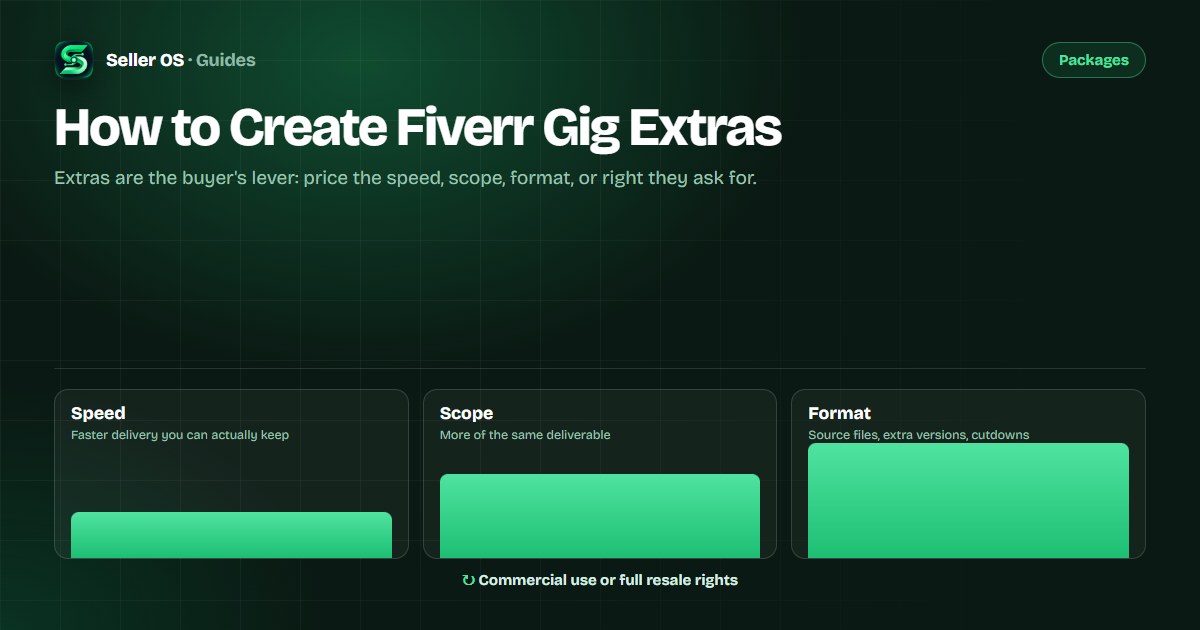
Most worthwhile extras fall into four families. Speed sells a shorter clock. Scope sells more of the same deliverable. Format sells the same work in another container, such as source files or a vertical cut. Rights sell how the result may be used, such as commercial use.
The test for honesty is simple: can you name what the extra costs you in time or money? If the answer is nothing, you are charging for a boundary that should have been clear already. If the answer is a week of evenings, the price should say so.
| Family | Example extra |
|---|---|
| Speed | Delivery in two days instead of five |
| Scope | A second episode or an extra scene |
| Format | Source files, subtitles, or a square cut |
| Rights | Commercial use or full resale rights |
Extract one extra from your delivery patterns
Your deliveries already tell you which extras to sell. Look for the work you keep doing without charging: the client who asks for the raw files, the second language version, the quicker turnaround you squeeze in. One of those is an extra waiting for a price.
A worked example, labeled hypothetical: over eight orders, three buyers ask for a square version of the video for their feed. You make it each time because it is quick. That request is now a candidate. Add a square cutdown extra, price it against the twenty minutes it takes to produce and check, and let buyers select it up front.
Extract one extra at a time. Adding five at once makes the checkout page noisy and hides the one buyers actually wanted, while a short menu is easier for you to test and easier for a buyer to scan.
What to price an extra against
Price an extra against the time it adds to a real order, not against how small it feels. Fiverr includes gig extras in its payout statement: you earn 80 percent of the purchase amount, and an extra follows the same rule as the package it rides with.
The pricing guide covers the arithmetic; the habit that matters here is a floor. Write down the minutes each extra adds, attach an hourly figure you would accept for that work, and never go below it just because the number looks small at checkout.
If buyers negotiate an extra price down in messages, treat it as information. Either the price or the scope is wrong; adjust one of them next time instead of discounting on the spot.
What not to sell as a gig extra
Do not sell what the order already promises. Delivering on time, using the formats you advertise, and answering messages are part of the package price. Charging for them tells buyers the base offer is a hostage.
Do not sell an outcome you cannot control, and do not sell work that takes the order off its own rails. Aim extras at deliverable changes you can perform reliably: a faster clock, more scope, another format, or usage rights. Reliable additions build repeat orders; fragile ones build refunds.
Extras vs packages vs custom offers
Use an extra when the buyer may or may not want a small addition to a package you already sell well. Use a package when the need is common enough to deserve its own tier, with its own delivery time and revision count. Use a custom offer when the scope is unique and fits none of the tiers.
The packages guide covers tier design, and the FAQ guide covers where to answer the questions an extra creates. One signal decides the elevation: if you would quote the same addition the same way to every buyer, it is ready to become an extra.
That single test keeps the three tools from overlapping. It also keeps your checkout simple: buyers do not have to guess whether an addition is a tier, an extra, or a conversation.
How to test a new extra without noise
Add one extra and leave everything else alone for a full window, the same discipline a price test needs. Read three things: how often buyers select it, what it does to your delivery times, and whether any message thread shows confusion about what it includes.
If it sells, keep it and consider folding the most common selection into the middle package. If nobody selects it, the request probably was not real. Remove it rather than discounting it; a dead option adds decisions without adding value.
Where Seller OS helps
Seller OS helps you find the repeats worth productizing. Client records keep the notes and order history where requests pile up, and the gig audit reviews a live gig for gaps, including a package that leaves the obvious question unanswered.
The pricing review tests whether a new add-on holds its price against your profit assumptions before you list it. Nothing is applied automatically: you review the numbers and make the change on Fiverr yourself.
How to Create Fiverr Gig Extras questions
What can I sell as a Fiverr gig extra?
Fiverr groups extras as fast delivery, revisions, and additional extras, with source files available only in specific categories. In practice that means speed, more scope, another format, or usage rights. Sell only additions you can perform reliably, and price each one against the time it adds to an order.
How many extras should a gig have?
Fiverr does not publish a maximum number of extras, so the useful limit is attention. Two or three clear options convert better than a long menu, because buyers can compare a short list. Start with the request you see most often, and add another only when messages keep asking for it.
Should I put source files in an extra?
Source file extras are available in specific categories only, so check whether yours qualifies before you design one. Where they do sell, buyers value them, but they are not free to provide: price the packaging and upload time honestly. If your category is not eligible, sell a prepared format instead, such as an alternate export.
Do extras increase order value?
They can, because the buyer chooses them rather than you pushing them. Fiverr includes gig extras in the 80 percent payout, so the arithmetic matches the package price. Whether yours add revenue is something to read in your own orders and messages; there is no published benchmark to compare against.
Sell only the extras you can deliver.
Watch what buyers ask twice, price the repeat honestly, and let the checkout raise the order.