 Seller OS
Fiverr gig FAQ: how to write FAQs that help buyers
A Fiverr gig FAQ is objection handling in question form. Buyers arrive with the same small worries: what exactly is included, how fast you deliver, what happens if something is off. Each unanswered worry is a reason to close the tab, and the FAQ field answers those worries before a message is even needed.
This guide shows where to source questions from your own inbox, how to write answers that settle a decision, and a sample FAQ set for an explainer video gig. It also covers the practical limit: Fiverr's FAQ field takes up to ten questions.
Free plan available. Local-first data. Human review on every change.
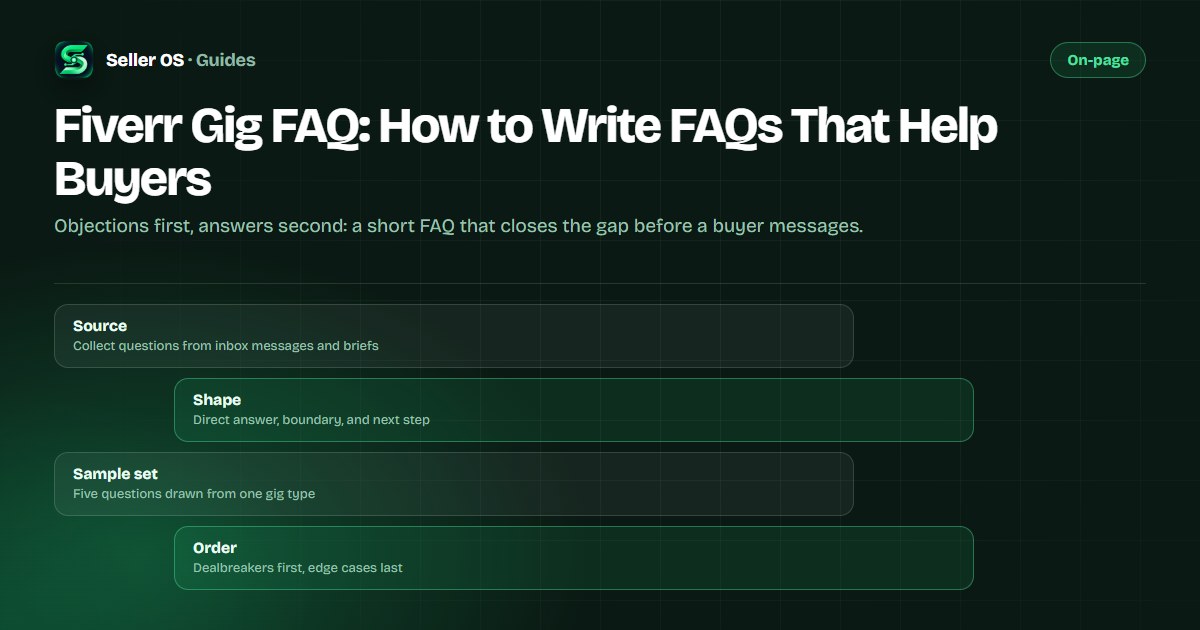
What the FAQ field is for on a gig page
The FAQ field is not a second description. Its job is narrower: it holds short answers to the questions that stand between a buyer and the order button. Fiverr's Creating a Gig article allows up to ten questions in the field, which is enough room to cover the worries that actually repeat.
Read your inbox for a week and the pattern appears: buyers ask whether the price covers revisions, how the files arrive, what happens if a deadline moves, or whether their specific case qualifies. A question you have answered twice in messages is a question worth answering publicly, in the same place every buyer looks.
The field also does quiet work on the seller side. Every answer you write once is a message thread you do not have to repeat, and it sets expectations before the order starts instead of after.
- Repeated questions from messages, briefs, and custom offer threads.
- Scope boundaries buyers test before they order.
- Anything the description states too indirectly to trust.
Source FAQ questions from your own inbox
Open your Fiverr inbox and scan the last twenty conversations that happened before an order. Copy each question exactly as the buyer wrote it, including the ones you answered with a full paragraph, because those are the questions the FAQ should shrink. Pre-order messages are the highest-value source: they are the objections that were slowing orders down.
Keep a small tally beside each question, and write it into the FAQ the second time it appears. That threshold is practical advice, not a Fiverr rule, but it keeps the field focused on patterns instead of one-off cases. An FAQ filled with your strangest questions answers nobody.
| What the buyer sent | FAQ question it becomes |
|---|---|
| Can you do a 60-second version instead of 90? | What video length is included? |
| Do I get the project files too? | Are source files included in the price? |
| How many changes can I ask for? | How many revisions are included? |
| Will this work for a coaching page? | What kinds of projects is this for? |
How to write answers that unblock a decision
An answer that helps has three parts: the direct answer first, the boundary that keeps it true, and the next step. Direct answer: yes, two rounds of revisions. Boundary: revisions cover the same concept, not a new direction. Next step: request them inside the order, and they are included in the price.
Keep each answer to two or three sentences. Buyers read the FAQ on a phone, between other gigs, and a wall of text reads as uncertainty. When an answer genuinely needs a paragraph, the description or the requirements section is the better home; the description guide covers what belongs where.
Write in the same voice as your gig, and do not avoid a clear no. A boundary stated plainly protects the order, while a vague yes invites a revision argument later.
A sample FAQ set for an explainer video gig
Below is a five-question set for an explainer video gig, built from the questions the field is designed to absorb. Treat it as a template to adapt rather than copy: the wording should come from your buyers, not from a guide.
Notice that none of the answers repeats the package table. Each one settles a worry and, where scope is involved, points at the tier that carries it. That split keeps the FAQ short and sends buyers into the package comparison with the right question already answered.
| Question | Answer shape |
|---|---|
| What is included in the price? | One 90-second video, script polish, two revisions. |
| Do you provide the voice-over? | Voice-over is a separate extra; animation is included. |
| How fast can you deliver? | Five business days after script approval; rush is optional. |
| What do you need from me? | A script or bullet points, brand colors, and any footage. |
| Can I use it in paid ads? | Yes, commercial use is included; resale rights are not. |
Order the questions by what blocks orders
Lead with the questions that most often stop a purchase: price coverage, scope, timeline, and rights. Edge cases go last, if they belong at all. An FAQ that opens with an unusual case teaches the average buyer to doubt the standard one.
Then keep the field current. Scope changes, a new extra, and a faster delivery option all create new questions. Review the field whenever you change a package or an extra, because an answer that used to be true is worse than no answer at all.
FAQ mistakes that cost you orders
The most common mistake is answering every slot with some version of it depends. Buyers read vagueness as risk. The second is duplicating the description word for word, which spends your strongest pre-purchase space on copy the buyer has already read. The third is writing the FAQ once and never updating it.
One more trap: promising something you cannot repeat. If delivery times vary by project, say what the timeline depends on instead of posting a number you will eventually break. Honest boundaries convert better than confident ambiguity, and they protect you once the order starts.
FAQ versus order requirements: know the split
The FAQ field answers questions publicly, before the order. Requirements are the free-form questions a buyer answers after ordering, and individual questions can be marked required. The two solve different problems: the FAQ removes doubt, and requirements collect the brief.
Keep the boundary clean. Public answers should not ask for client-specific details, and requirements should not re-ask something the FAQ already settled. When a question only matters after you accept an order, it belongs in requirements, and the public FAQ can stay shorter.
Where Seller OS helps
Seller OS helps with the raw material. Inbox reply drafts and brief responses surface the recurring questions in your own workflow, so the list you write into the FAQ comes from real buyer language instead of guesswork. Client records keep the notes and order history where those questions first appeared.
The Gig Performance Optimizer then reviews a live gig's copy, including the FAQ, against the gig's own performance signals and proposes changes you approve one at a time. It never edits or publishes anything on its own; you make every save.

Fiverr Gig FAQ questions
How many questions can a Fiverr gig FAQ have?
Fiverr's Creating a Gig article allows up to ten questions in the FAQ field. That is a ceiling, not a target: four to seven well-chosen questions usually serve a buyer better than ten thin ones. Fill the field with the questions you actually receive before ordering, and add a new one only when a pattern repeats.
What should I put in a Fiverr gig FAQ?
Scope answers first: what the price includes, what costs extra, how revisions and deadlines work, and what you need from the buyer. Then the rights question, such as commercial use. Source every entry from your own pre-order messages, keep each answer to two or three sentences, and leave edge cases out.
Does a Fiverr gig FAQ help with ranking?
Fiverr does not publish how the FAQ affects placement, so nobody can promise a ranking change from it. Treat the field as conversion copy: it answers the questions that stall orders, which is useful regardless of ranking. The wording you settle here can also support the terms buyers search with.
How often should I update the FAQ?
Review it whenever the offer changes: a new package, a new extra, a faster delivery option, or a scope boundary you keep explaining in messages. A quick pass every quarter also helps, because inbox language shifts as your buyer mix changes. An outdated answer is more damaging than a missing one.
Answer the questions before they cost you.
Collect the repeats from your inbox, write three-sentence answers, and keep the field current.