 Seller OS
Fiverr inbox features 2026: what changed
Fiverr's help center states that the inbox is now the central hub for inquiries, custom offers, and order-related messages, and that orders placed on or after October 21, 2025 keep all order communication directly in the inbox. Older orders were not moved: their messages stay in the order chat.
This guide explains what moved, what the combined inbox means for response time and finding old threads, and the labeling and archiving habits worth rebuilding. Workflow tips are practical advice; the change itself is attributed to Fiverr.
Free plan available. Local-first data. Human review on every change.
What moved into the inbox in October 2025
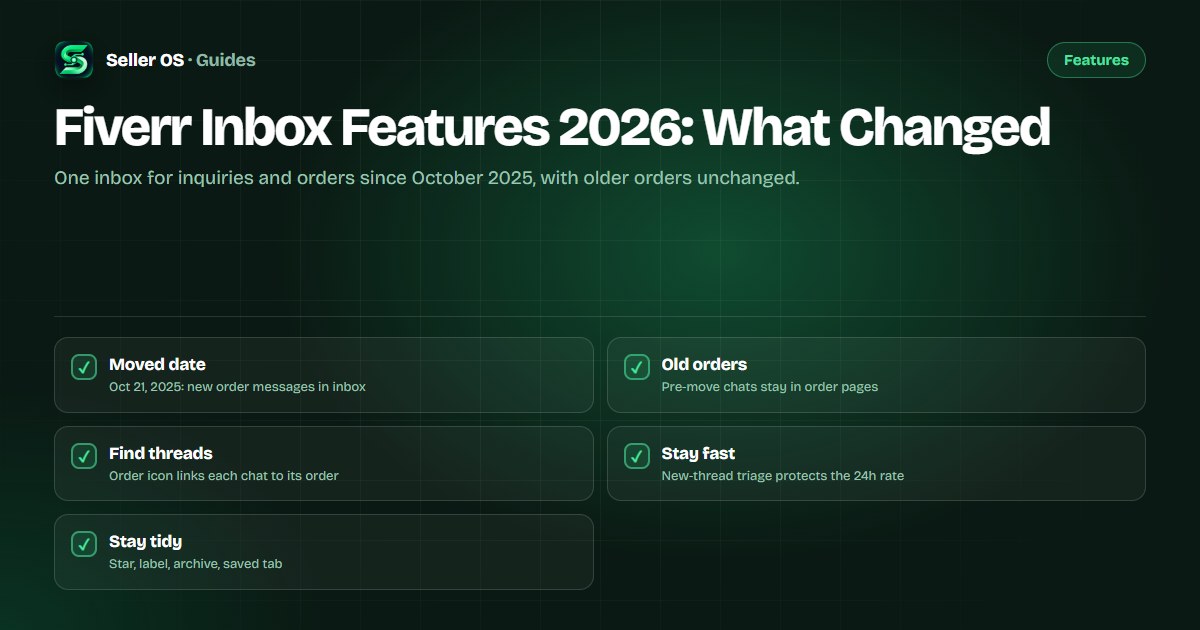
Fiverr's help center states that orders placed before October 21, 2025 keep all related messages in the order chat, while orders placed on or after that date have all order-related communication appear directly in the inbox. Order messages carry an order-number icon that links to the order page, and the same conversations remain reachable from the orders page.
In practice you now work in one stream instead of two. Pre-move orders still require a detour to the old order chat when a dispute references early terms, so bookmark how you reach those legacy threads before you need them under pressure.
What the combined inbox means for replies
Fiverr's help center states that response rate counts first replies to new messages from new clients within 24 hours. A combined inbox raises the stakes of triage: a new inquiry can now sit beside an active order thread, and answering the familiar order first while the stranger waits is exactly how the rate slips.
Illustrative scenario: you open the inbox to three unread items, a revision note on an active logo order, a delivery question on a second order, and a first message from a new buyer. Replying to the new buyer first protects the measured metric; the two order threads, while urgent for satisfaction, do not move response rate the same way.
- Sort by unread and answer brand-new threads before active orders.
- Treat Mira and brief messages as new threads with their own clocks.
- Report spam inside 24 hours so it does not count against you.
- Use the orders page as a second view when order volume spikes.
Finding threads: search, labels, and saved
Fiverr's help center lists inbox organization tools including stars and labels, archive, delete, replying to a specific message, saving messages to a Saved tab, message translation into English, and file attachments up to 1 GB. Conversations can be filtered and acted on the same way in the mobile app.
A common mistake sellers make is leaving every completed order in the main list and then relying on memory to find the thread where a price was promised. Star active work, label by stage such as waiting-files or in-revision, save the message that sets scope, and archive what is fully delivered instead.
Editing, attachments, and rate limits
Fiverr's help center states that you can edit or delete a sent message within 15 minutes on web only, that attachments are archived after two years with a 12-hour restoration on download and deleted three years after sending, and that messaging rate limits trigger a 60-minute cooldown with repeated violations risking suspension.
Illustrative example: you send a delivery link with the wrong file version attached. Within 15 minutes on desktop web you can fix the message itself; after that window you must send a correction message instead. Keep originals of delivered files yourself, since the platform attachment lifecycle is not your backup system.
| Feature | Published rule | Your habit |
|---|---|---|
| Edit or delete sent | Within 15 minutes, web only | Proofread before sending on phone |
| Attachments | Up to 1 GB; archived, then deleted | Keep your own file copies |
| Rate limits | 60-minute cooldown on excess | Batch outreach, avoid bursts |
| Mismatch check | Flags order mismatch pre-order | Read the flag before sending offer |
Rebuild the archived-order habit
Orders do not vanish when they complete; they pile up. Archive delivered conversations once the review window has passed and the files are stored, and keep a small active set that matches your real queue. The queue guide pairs well with this cleanup because inbox size and order load rise together.
When a past buyer returns months later, search the inbox before asking them to repeat the brief. The order-number icon jumps you to the original terms, and the Saved tab holds the scope message you starred. That thirty-second lookup is the difference between a sharp continuation and a cold restart.
One stale corner to ignore in the help article
Fiverr's inbox help article still lists Personal Assistant items even though Fiverr's help center states the assistant shut down for all freelancers on October 1, 2026. Treat any assistant toggle or assistant-managed reply text you see quoted in older guides as historical rather than actionable.
For current reply mechanics, use the auto-reply setup and the response-time explainer, and treat scam pressure inside the inbox with the spam and scam guide. Your inbox today is yours alone: no assistant shares it, and no assistant answers inside it.
Where Seller OS helps
Seller OS drafts inbox replies and order-message follow-ups that you review before sending, which suits a combined inbox where new inquiries hide beside order chatter. Its unread message alerts, part of the Pro monitors that run while Chrome is open, flag threads that need a human reply before the 24-hour window closes.
It does not file tickets, publish gigs, or send messages on its own; a person performs every final Send. It also cannot reach messages for pre-October-2025 orders that still live in the old order chat, so those legacy threads remain manual lookups.

Fiverr Inbox Features 2026 questions
What changed in the Fiverr inbox in 2026?
Fiverr's help center states that for orders placed on or after October 21, 2025, all order-related communication appears directly in the inbox, which is now the central hub for inquiries, custom offers, and orders. Orders placed before that date keep messages in the order chat. Organization tools like labels, archive, and saved messages work across the combined view.
Where are my old order messages after the move?
They did not move. Fiverr's help center states that orders placed before October 21, 2025 keep all related messages in the order chat. Reach those threads from the orders page rather than searching the inbox. For newer orders, use the order-number icon inside the inbox conversation to jump to the matching order page.
Does the combined inbox change my response rate?
The counting rule did not change, but triage got harder. Fiverr's help center states response rate counts first replies to new messages from new clients within 24 hours. With order and inquiry threads mixed, answer brand-new threads first. Order replies matter for satisfaction and Success Score, while new-thread replies protect the rate metric.
Can I edit a message I already sent in the inbox?
Fiverr's help center states you can edit or delete a sent message within 15 minutes on web only. After that window you need to send a correction message. Attachments up to 1 GB are supported, archived after two years, and deleted three years after sending, so keep your own copies of delivered work.
Triage new threads first, archive the rest
Label active work, save scope messages, and answer new inquiries within 24 hours.