 Seller OS
How to use AI to respond to Fiverr briefs
Briefs moved into the Inbox as Mira conversations, but the shape of the task is unchanged: read a matched request, decide whether it fits, and reply fast with something specific. AI trims the blank page: it drafts the mirror, the proof line, and the price logic in seconds, while you keep the decisions that win the project.
This guide gives you the input packet, a copyable prompt with output rules, a worked brief-to-draft example, and the checklist that runs before anything is sent. The limit: a fast generic answer still loses to a slower specific one, and no tool sends or guarantees a win.
Free plan available. Local-first data. Human review on every change.
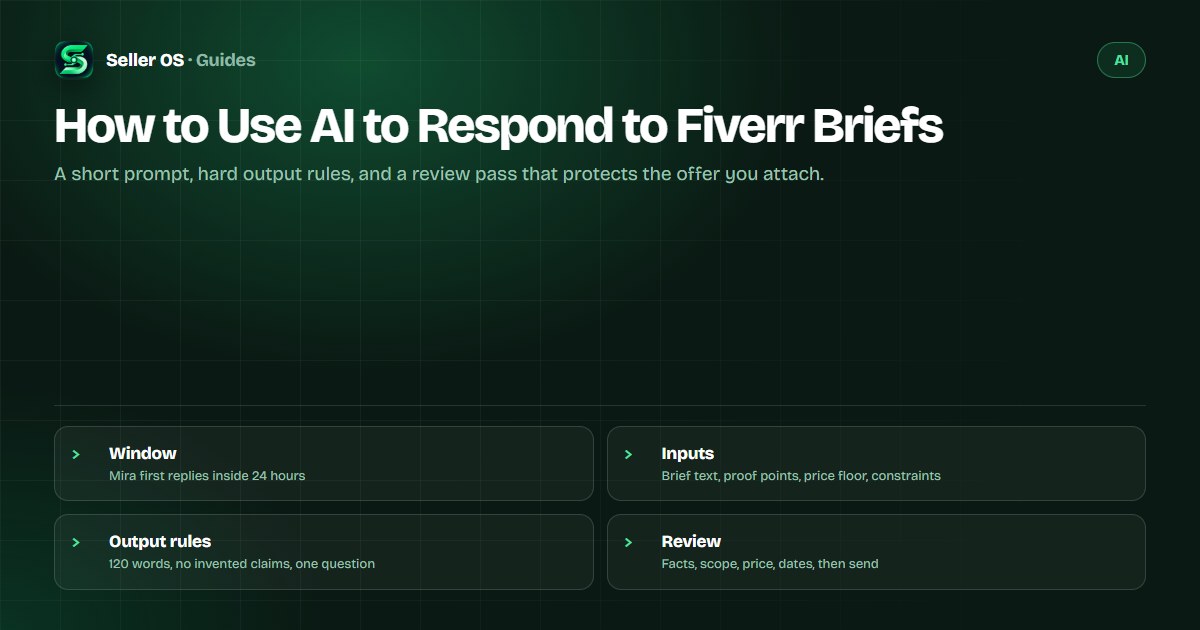
The window, and what AI should do inside it
Fiverr's freelancer help article states that Mira AI Headhunter has fully replaced the Briefs feature; legacy jobs remain under Your Briefs, and new opportunities arrive as Inbox conversations. The published brief window was 72 hours per brief, but Mira carries a tighter rule: Fiverr says to respond to Mira's first message within 24 hours so your response rate is not affected, per the Mira help article.
That split is why a drafting workflow helps. The first response has to be quick and real, while the scope thinking takes longer. AI fits in the middle: it turns a brief into a specific first reply in seconds, and you keep the time for the parts the clock does not measure, like deciding whether the project is worth quoting at all.
Build the input packet before you prompt
A generic draft comes from a generic prompt. Before you paste anything, gather four things: the brief or Mira message in full, two proof points closest to this project, your real constraints such as earliest start and turnaround, and a price floor with the scope it covers. That packet takes two minutes and changes the output more than any phrasing trick.
Then decide what stays out. Client names, company names, order details, and attachments do not belong in a third-party tool unless you have cleared it. The reply only needs the request and your facts, and the request can usually be paraphrased without the identifying parts. The wider allowed-and-risky question has its own guide in Can you use ChatGPT for Fiverr?.
- Brief text: paste the request, or your own paraphrase of it
- Proof: one or two projects that are genuinely comparable
- Constraints: start date, turnaround, exclusions, revision policy
- Price floor: the number and what it includes, set before drafting
A brief prompt with output rules that hold
Here is a prompt to copy. 'You are helping me draft a reply to a Fiverr client request. Input: the request, two proof points, my scope and price floor, and my constraints. Write a plain-text reply of 120 words or fewer that mirrors the request in the client's own terms.'
Then the closing rules. 'Include one proof line, state what I will deliver and by when, give the price with what it covers, and ask at most one question. Do not invent experience, tools, results, or dates. No praise about hearing from them. No markdown.' That second half is where the guardrails live.
The rules matter more than the prompt. The word cap stops the wall of text; the do-not-invent line keeps the model out of your resume; the one-question limit protects the buyer's attention; plain text keeps formatting from leaking into the Inbox. Run it two or three times if you like, then keep only the parts you will actually say.
- Length capped at 120 words so the reply can be read at a glance
- No invented facts, so every sentence survives the fact check
- One question maximum, so the buyer knows the next step
- Plain text output that fits the message box without cleanup
Worked example: brief in, 120-word draft out
Hypothetical brief: a podcast owner needs twelve episode edits, 40 minutes each, wants them back weekly, and mentions a tight budget. The packet holds a similar ten-episode run as proof, a per-episode price floor, and one edit per week as the capacity constraint.
The draft comes back, then you edit it to fit: 'Thanks for the detail on the twelve episodes. I run a similar weekly show edit: 40-minute episodes with noise cleanup, chapter markers, and a level mix, delivered every Monday. For your volume I can hold the per-episode rate at [$X] with two revision rounds each, starting with two episodes in week one to clear the backlog. Should the first two come from your current exports, or do you want me to work from the raw tracks?'
Notice what the human changed: the price bracket became a real number, the Monday slot was checked against the calendar, and the closing question is the one that actually unblocks the project. The model wrote the shape; you made the promises. The same packet logic powers the AI gig builder when you draft the listing itself.
The checklist that runs before you send
Every draft gets the same five checks, in order. Facts: does every claim match your real work? Scope: does the reply promise exactly what the offer says? Price: is the number your number, at or above your floor? Dates: does the timeline exist in your calendar? Privacy: did anything about the client leave your machine that should not have?
Facts
strike any experience, tool, or result you cannot point to
Scope
align the reply with the custom offer you attach
Price
set it yourself; never accept the model's guess
Dates
confirm the start and the deadline you can hold
Privacy
paraphrase the request rather than pasting client details
Brief-response mistakes AI makes easier
The first is answering before understanding. A model lets you produce a polished reply to a brief you have not fully read, including the parts that decide whether you want the project. Read the request twice before you prompt. The second is volume: three paragraphs of mirrored text where two lines would do. The buyer is comparing offers, not reading an essay.
The third is invented credibility. A model asked to show relevant experience will happily describe projects you never delivered, so keep the proof slots empty until you fill them with real work. The fourth is treating the sent message as finished; a brief that becomes a conversation needs your attention, and the fastest first reply in the queue means nothing if the follow-up never comes. For standard buyer messages rather than briefs, the matching workflow lives in the AI buyer-reply guide.
Where Seller OS helps
Mira messages appear in the Inbox, and Seller OS drafts replies to them from the message and your local records, with the original request beside the draft. That brief-style context is the point: your gig details and past project facts sit next to the draft, so mirroring the request and checking the price takes seconds instead of a blank page.
On Pro, unread alerts keep watch while Chrome is open, which matters when the first-response clock is 24 hours. Reusable structures keep the four beats consistent without turning the reply into a template. Every capability stops at review: the tool drafts, you edit, and a person presses send.

How to Use AI to Respond to Fiverr Briefs questions
Can AI write my Fiverr brief responses?
Yes, as a first draft. Feed it the request, your proof points, your constraints, and your price floor, then apply output rules: 120 words or fewer, one proof line, one price with its scope, and at most one question. Replace every bracket with a real number and date, and send it yourself, because the reply is a commitment.
How long do I have to respond to a brief or Mira message?
The published brief window was 72 hours, and Fiverr says to respond to Mira's first message within 24 hours to protect your response rate. Treat the first reply as the urgent part and the full quote as the next step: acknowledge specifically, then take the time the scope actually needs.
What should the prompt never be allowed to do?
Invent experience, guess the price, or promise a date. Those three decisions belong to you, and the model has no way to verify any of them. Write the rules into the prompt so it leaves placeholders, then fill every placeholder before sending. A bracket that survives into a sent message is a mistake with a buyer attached.
Should I attach the offer with the first AI-assisted reply?
Attach it when the scope is clear enough to quote, because the offer defines the commitment and the order starts once the client accepts. If key details are missing, send the short reply first and quote after the answer arrives. The manual four-part structure is covered in the brief response guide.
Draft in seconds, decide in minutes
Feed the packet, hold the output rules, replace every bracket with a real number, and send the reply yourself.